Main Menu
Skip to navigation
Skip to content
Call or Text Today!
330-231-5927
info@carlislecavaliers.com
3528 Berlin Township Road 374
,
Millersburg
,
OH
44654
Home
Cavaliers
Available Puppies
Male Parents
Previous Puppies
Health & Nutrition
Pawtree
NuVet
Global Pet Security
Health Contract
Payments
Financing
Reviews
Contact Us
FAQs
Blog
About
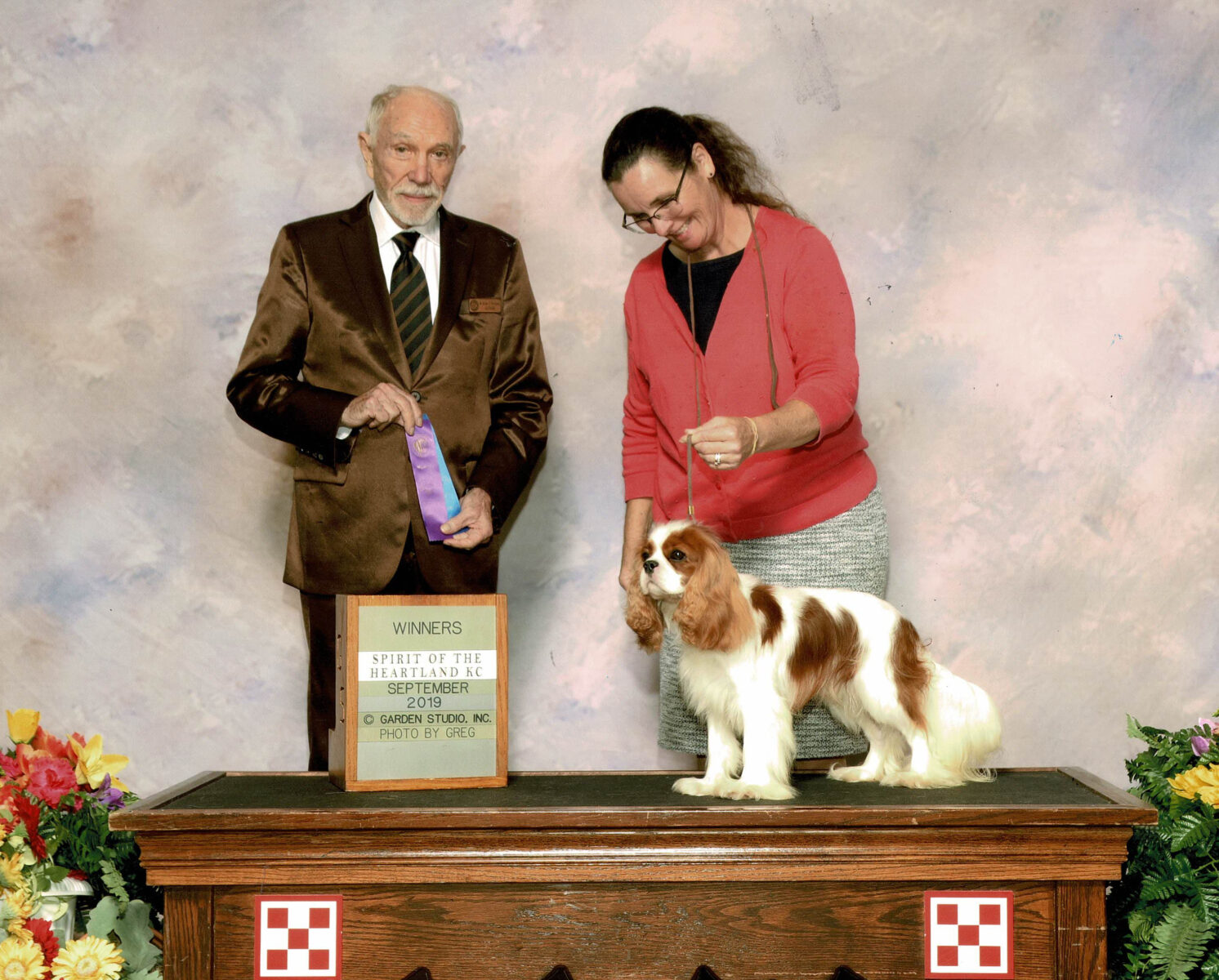
Jet (Huntmagic Gangster)
Posted
January 11, 2023
by
Myron Miller
«
CARLISLE SOMETHING TO TALK ABOUT TROY, CH
Paw-Paw
»
Name
(Required)
First
Last
Email
(Required)
Phone
(Required)
How Would Your Prefer to be Contacted?
Call/Text
Email
Call/Text or Email
What would you like to know about?
(Required)
Consent
(Required)
By submitting this inquiry, I may be contacted by Carlisle Cavaliers in the future based on the information provided.
I agree to be contacted
(Required)
Δ
×
It looks like your submission didn't go through.
Please try submitting the form again.
Having trouble? Try clearing your browser cache.
How to clear your browser cache
*Please note: this will clear
ALL
your browser's history
Mac
Windows
iPhone
Android
Safari
Open Safari.
Click
Safari → Settings
.
Select
Advanced
.
Turn on
Show features for web developers
if necessary.
Choose
Develop → Empty Caches
.
Return to the form and try submitting again.
Chrome
Press
Command + Shift + Delete
.
Select
Cached images and files
.
Click
Delete data
.
Chrome / Edge / Firefox
Press
Ctrl + Shift + Delete
.
Select the option for
Cached images and files
or
Cached web content
.
Make sure you are clearing the cache rather than saved passwords or other information.
Click
Clear data
.
Return to the form and try submitting again.
Safari
Open the
Settings
app.
Tap
Apps → Safari
.
Tap
Clear History and Website Data
.
Choose the appropriate time range.
Confirm by tapping
Clear History
.
Reopen Safari and return to the form.
Chrome
Open Chrome.
Tap the
three dots
menu.
Tap
Delete Browsing Data
.
Select
Cached Images and Files
.
Tap
Delete Browsing Data
.
Chrome
Open Chrome.
Tap the
three dots
in the upper-right corner.
Tap
Delete browsing data
.
Select
Cached images and files
.
Tap
Delete data
.
Reopen the page and try the form again.
Close instructions
Home
Cavaliers
Available Puppies
Male Parents
Previous Puppies
Health & Nutrition
Pawtree
NuVet
Global Pet Security
Health Contract
Payments
Financing
Reviews
Contact Us
FAQs
Blog
About
× Close Panel